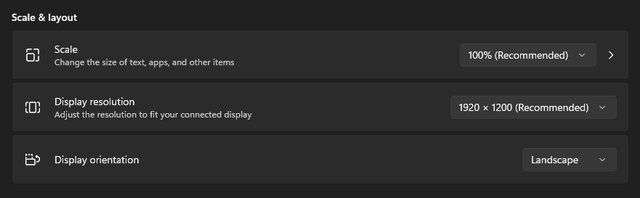
My desktop PC is one side of the room, and my larger TV is on the other side. I've tried to utilise casting as a way to run games from my desktop to the TV, but the input delay has been quite bad.
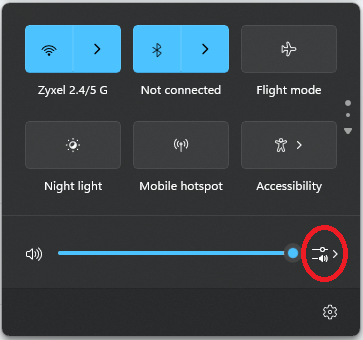
In the meantime, I've begun using a HDMI splitter and albeit it's great for the graphics and lack of input lag now. The only thing I can't workout, is how to have the sound pushed out of the TV without using headphones connected to the PC.
Id be grateful if anyone can offer any advice?
In the meantime, I've begun using a HDMI splitter and albeit it's great for the graphics and lack of input lag now. The only thing I can't workout, is how to have the sound pushed out of the TV without using headphones connected to the PC.
Id be grateful if anyone can offer any advice?