• We’re currently investigating an issue related to the forum theme and styling that is impacting page layout and visual formatting. The problem has been identified, and we are actively working on a resolution. There is no impact to user data or functionality, this is strictly a front-end display issue. We’ll post an update once the fix has been deployed. Thanks for your patience while we get this sorted.

Monitor recommendation.

Status
Not open for further replies.
Hi 🙂


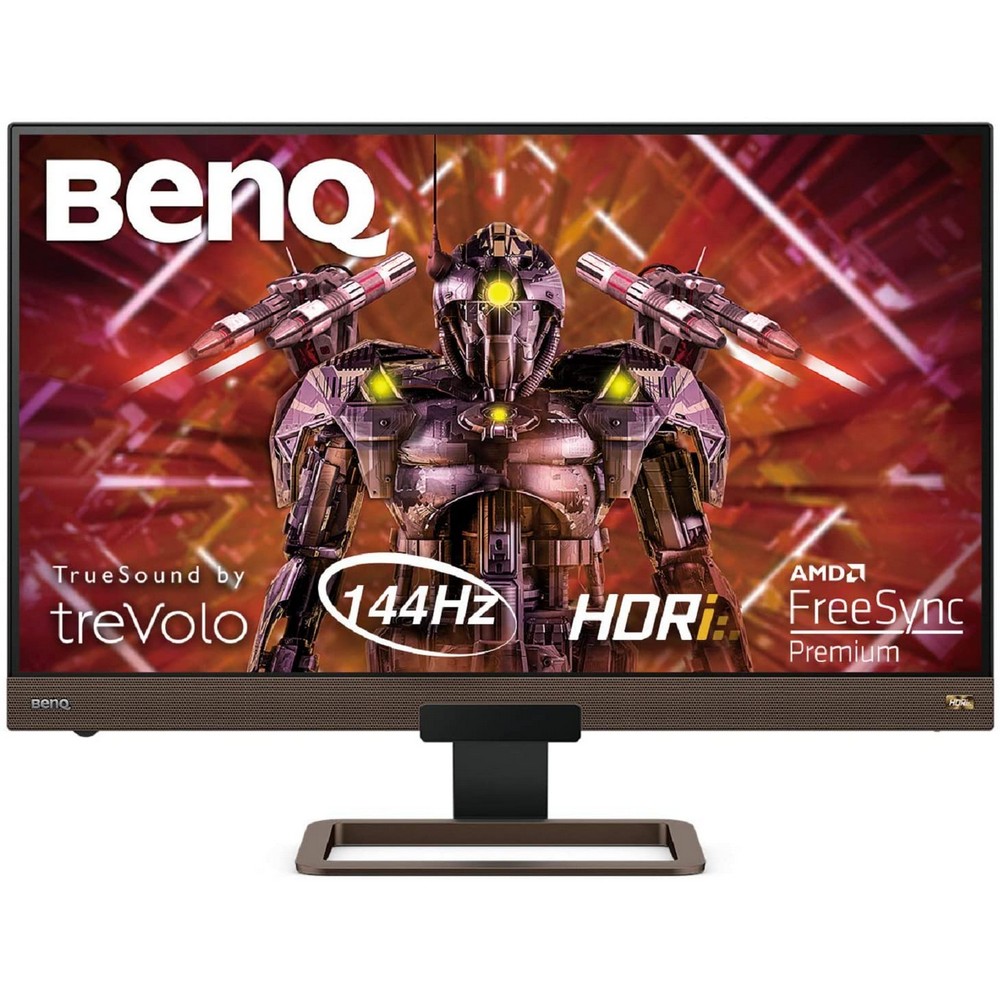
This ones a good deal, seems like good quality from the review and the resolution should suit your systems GPU well.
 
Hi 🙂


This ones a good deal, seems like good quality from the review and the resolution should suit your systems GPU well.
Thanks for the recommendation. I am seriously considering this. My only hesitation is the Freesync. I wasn't sure if my GPU being Nvidia meant this wasn't going to be compatible.
 
I *think* freesync is now compatible with nvidia. I found this article which seems to agree: https://www.pcgamesn.com/nvidia/what-is-freesync

Edit: ok, actually reading the article, there is a list of compatible monitors and I can't see that one on there.


Sorry. Might still be possible.
Thanks. That's helpful. To complicate matters, I'm now doubting getting a 27inch due to how close I am. I may be better with a 24/25.
 
Thanks for the recommendation. I am seriously considering this. My only hesitation is the Freesync. I wasn't sure if my GPU being Nvidia meant this wasn't going to be compatible.
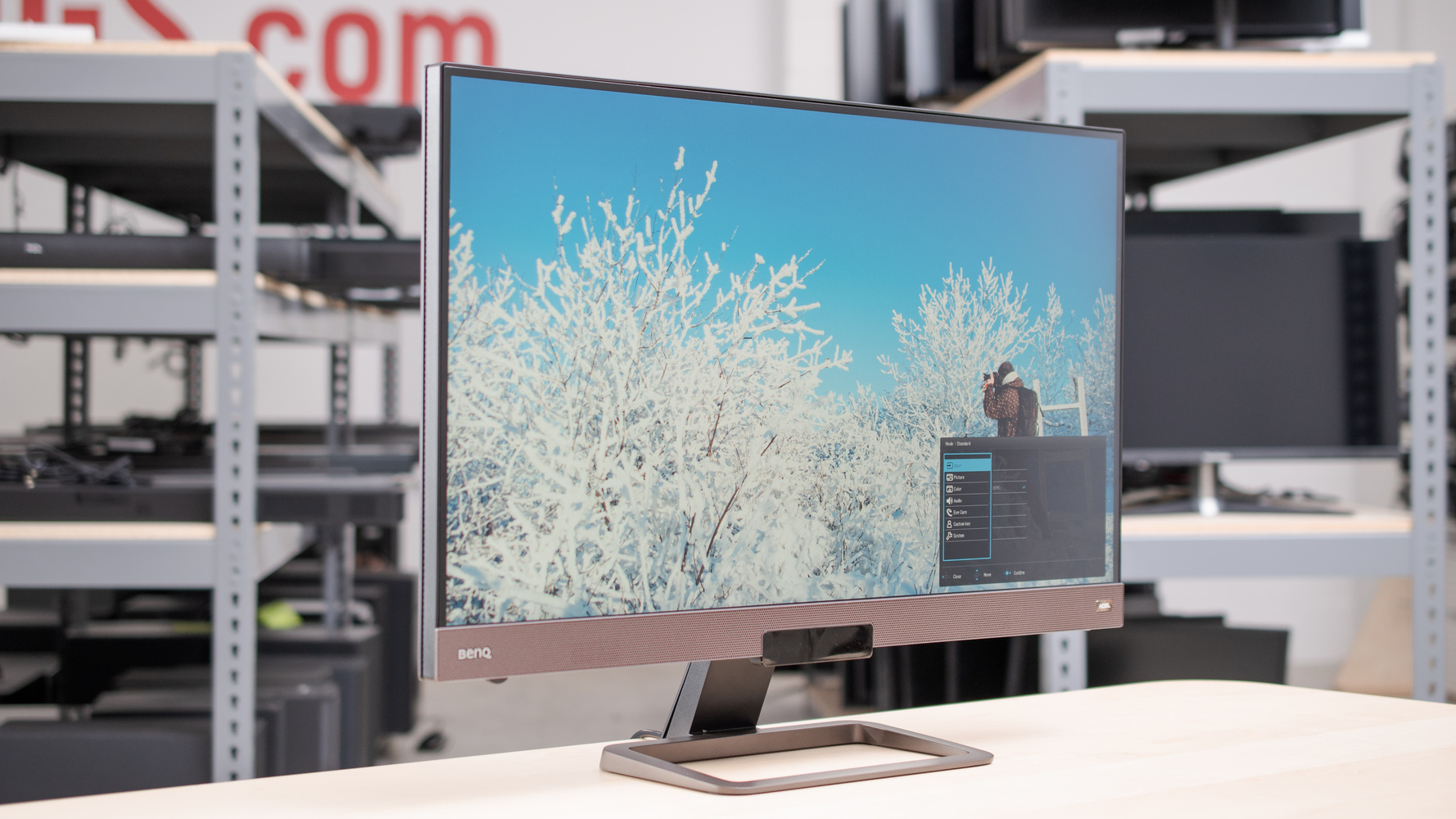
From the Rtings review I linked under the 'Refresh rate' section, their reviews are quite comprehensive, they test everything 😉

The refresh rate is excellent. The monitor supports FreeSync and is compatible with NVIDIA's G-SYNC with a driver update. If you want a similar monitor with a higher refresh rate, check out the Acer Nitro XV272U KVbmiiprzx.

View: https://www.youtube.com/watch?v=Px4s99m4LRI


Found a video review that says it works very well if you need further conformation. You need to use a Display port cable, doesnt work with HDMI though

I use a 27 inch monitor at my desk, used a 24 and 25 for years and I dont think 27 is too big personally either.
 
Last edited:
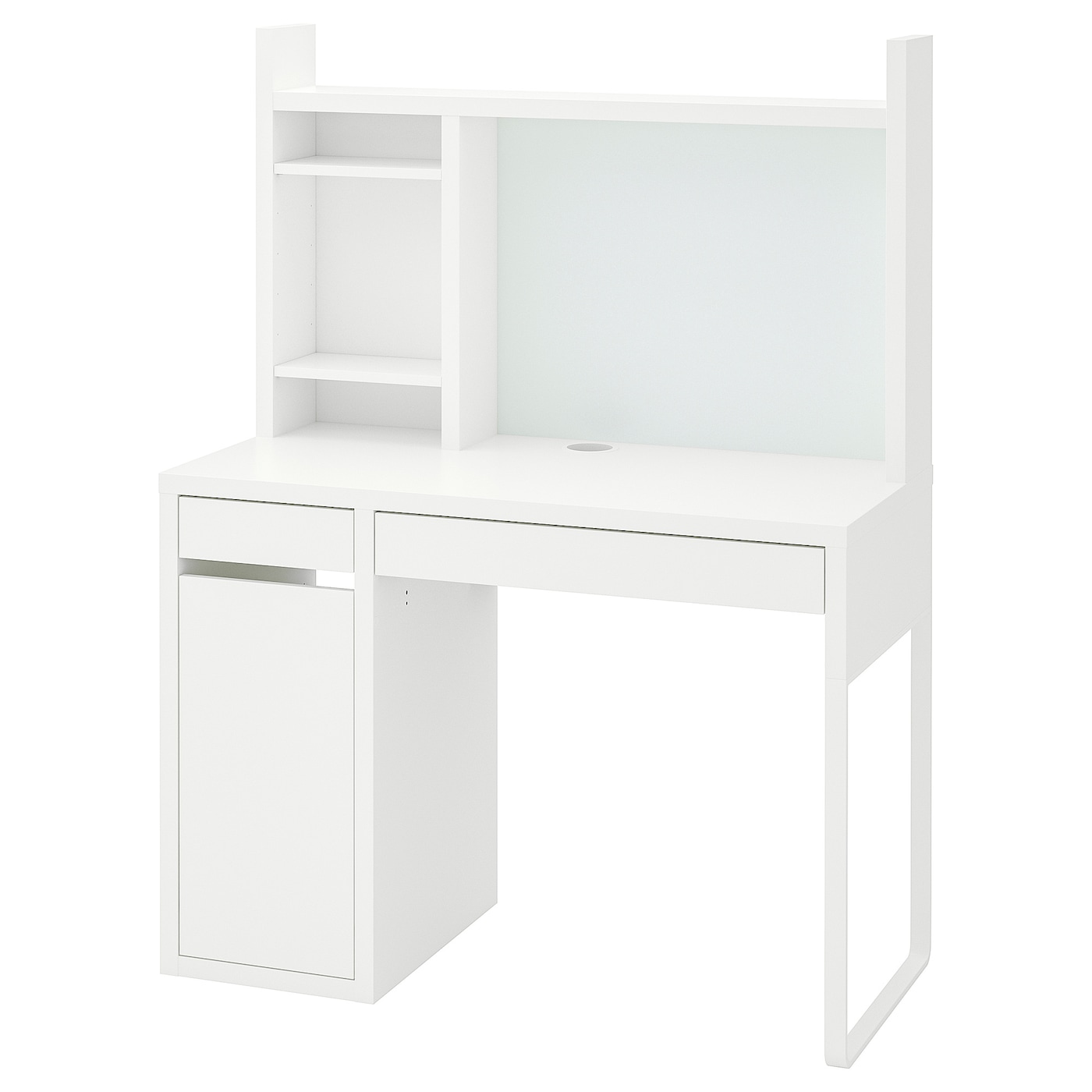
I'm convinced that if I get a 27inch I should get that. It just I only have this work space, and while a 27inch will "just fit", it's going to be tight.
 
I'm convinced that if I get a 27inch I should get that. It just I only have this work space, and while a 27inch will "just fit", it's going to be tight.


I cant find details for the size of the monitor cubby on that desk. Did you check the measurements yourself yet?

Dimensions for monitor here according to a seller online if you havent found them already.

Dimensions (W x H x D)18.1 x 24.2 x 7.7" / 459.7 x 614.0 x 196.0 mm
 
Status
Not open for further replies.

TRENDING THREADS

Latest posts

Back
Top