• We’re currently investigating an issue related to the forum theme and styling that is impacting page layout and visual formatting. The problem has been identified, and we are actively working on a resolution. There is no impact to user data or functionality, this is strictly a front-end display issue. We’ll post an update once the fix has been deployed. Thanks for your patience while we get this sorted.

cant use IMGUR

For posting here, this might help:


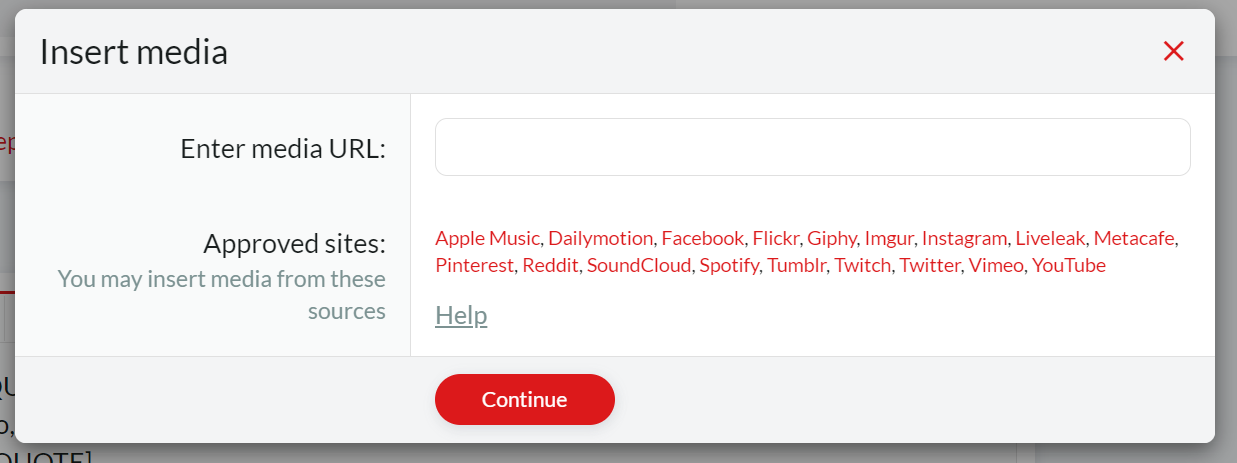
I believe this is only for mods. When I hit "media" all I can do is add a link.
 
No, @Zloth uses it, and is also the expert on it.
Well, when I click on media, all I get is a field to input a web address.

media.png
 
Confusion caused by who I wonder - looks like Brian used wrong image posting instructions...

The media section referred to in Zloth's post is not the button you chose
(obviously 2 things having same names isn't ideal but I didn't make this website)

If you click Media, you'll be taken to a page full of images.
= https://forums.pcgamer.com/media/

I think he is referring to the side panel of website that lets you upload images here.
this is the add media button he meant - https://forums.pcgamer.com/media/categories/fan-art.1/add

this one is closer to the topic on hand
https://forums.pcgamer.com/threads/how-to-post-images-using-imgur.131444/
 
Last edited:
Zloth's instructions are for the Media side bar
The link I showed (here) is for posting images in normal posts. From imgur.

It doesn't help there are 2 things titled Media, that was bound to confuse someone eventually
Also mine isn't a sticky as no one reads them normally anyway... so I didn't bother.
 
Last edited:

TRENDING THREADS

Latest posts

Back
Top